
Papage
content to appear more compelling? Well you should, because if you wish to cast a good impression on your readers and visitors, proper content presentation is essential. One of the easiest ways to spice up your content format in WordPress is to use columns.
So how do you know if columns are right for your site — and what’s the best way to create them? Read on to find out.
CREATING WORDPRESS COLUMNS
While it is true that some users find columns distracting, there may be situations where using columns in your posts makes more sense. Columns might be a good idea if:
-
You need to present content for comparison and analysis.
-
You are posting a report online and a column-based layout would make it easier to assess the outcomes.
-
You just want your blog post to look different, in which case, well, a column-based layout will obviously help.
So, how do you create columns for your WordPress posts? From CSS coding to using custom plugins, there are many ways to do this. It all depends on your specific needs and goals.
USING PLUGINS TO CREATE COLUMNS IN WORDPRESS
There are several plugins that can help you create columns in WordPress, but none so popular as Column Shortcodes. With over 100,000 active installations, Column Shortcodes makes it pretty easy to work with and create columns in WordPress.
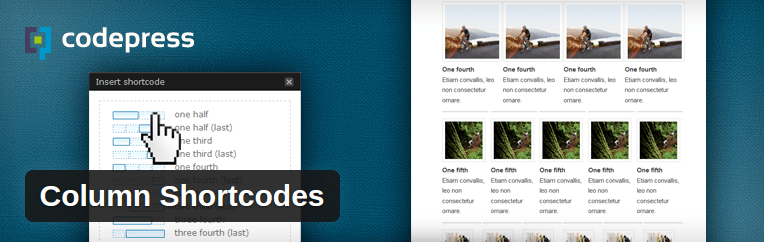
Column Shortcodes, as the name suggests, lets you create columns by means of shortcodes. It comes with ten predefined shortcodes, each meant for a different column width. All you need to do is pick the proper shortcode and the columns will be inserted into your posts.
Here’s how it works:
After activation, you will find a button to add columns to your posts in the post editor.
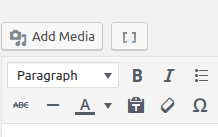
Simply select the text you’d like contained within a column, and click the button. Next, select the column width you prefer.
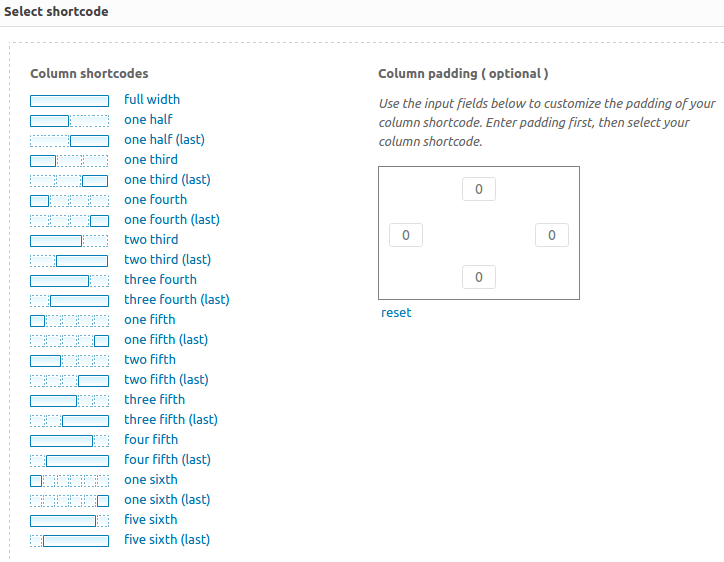
You can choose from different predefined column widths and also specify column padding. After that, your content will be added within the shortcodes.
